Lethal Ape Experience Player Tools
Checklists you can keep on a second screen — no executor required.
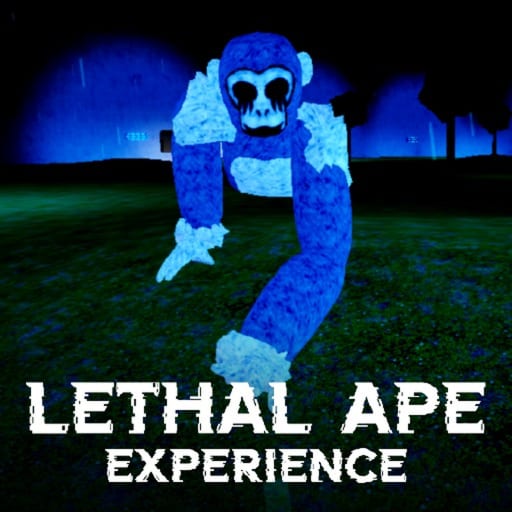
Not every extra has to be a script. These tools are pages you can leave open while you play Lethal Ape Experience. They assume headphones, a public-beta facility, and a Forest layer that still uses landmarks instead of a minimap.
- Survival checklist — pre-run, in-run, and extract boxes.
- Monster cues — what to do when you hear metal, rustle, or a sudden hush.
Use them with the Guides Hub and the monster roster. If you came here looking for a gold calculator, read the item tier list instead; we will not invent a spreadsheet.
How to use a wiki as a tool
Put the checklist on a phone. Put the cue sheet on a monitor. Play one constraint per session as How to Beat Monsters suggests. After a death, tick the box you skipped. That is the whole product.
If a patch moves a room, the checklist still works because it never named the room. If a patch adds a hunter, the cue sheet still works because it names the sound, not the mesh.
What these tools are not
They are not ESP. They are not a farm. They are not a codes generator. Those live under scripts and codes with the appropriate warnings.
They are also not official. Breet Studios can change the mix. When they do, we revise the cue lines on the child page, not this hub paragraph.
Start with the checklist if you die to greed. Start with cues if you die to surprise. Start with Getting Started if you have not yet walked a two-exit room.
Related: Forest Update if your deaths are all outdoor, and review if you are still deciding whether to keep the tab open.
A weekly reset
Once a week, or after any title-screen tag, run a scout session with both tools open and no loot goal. Tick every checklist box that still makes sense. Rewrite any cue line that no longer matches the mix. If a box refers to a lobby button that vanished, that is a beta note, not a personal failure.
This hub will stay small. A third tool appears only if the studio prints a stable economy or a real minimap. Until then, two pages and a pair of headphones beat a folder of broken overlays.
Frequently Asked Questions
Quick answers to the most common questions.
Do I need to install anything?
No. These are web checklists. Keep the page open beside Roblox.
Is there a map tool?
Not a GPS. The forest map guide teaches landmarks. A drawn map would rot in beta.
Will you add a gold calculator?
Only after the studio prints a stable economy. Until then the item tier list is the tool.
Can my whole stack use one checklist?
Yes. Assign scout, carrier, and anchor, then share the extract boxes.